
← Back to AI Prompts | Midjourney v6 | UX/UI & Product Design Prompts
Use the uploaded logo exactly as provided
AI Prompt Command
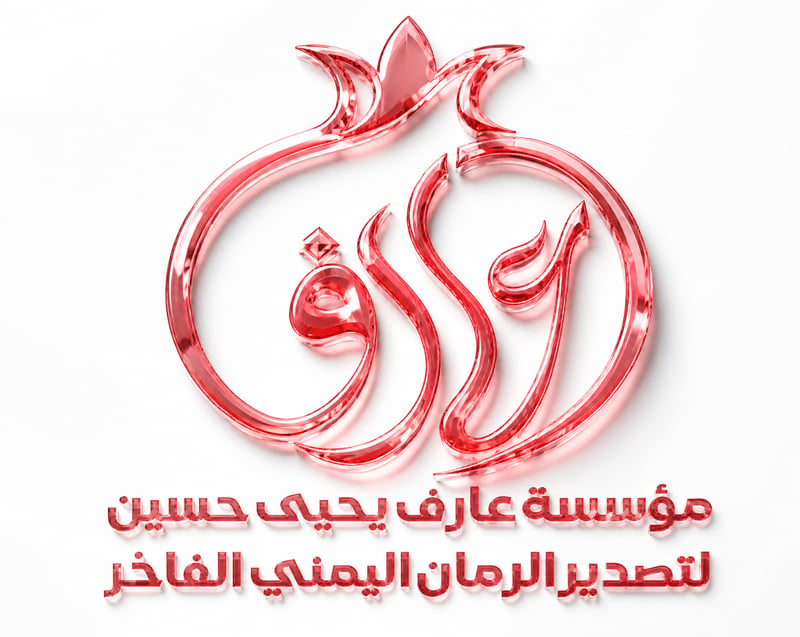
Use the uploaded logo exactly as provided. DO NOT redesign, redraw, reshape, recolor, replace, crop, modify typography, spacing, proportions, outlines, curves, or composition. Preserve the logo and both Arabic text lines 100% identical.Transform the logo into ultra-premium optical crystal glass with exceptional transparency, realistic glass thickness, precision diamond-cut beveled edges, polished surfaces, realistic light refraction, internal reflections, Fresnel reflections, subtle caustics, and luxury handcrafted quality.Completely remove ALL dark red, maroon, burgundy, crimson, smoky, muddy, near-black, and black-red tones. Replace them entirely with bright luminous ruby crystal gradients, transparent ruby glass, light ruby red, and elegant cherry ruby highlights. The logo must look bright, luxurious, vibrant, and never dark.Apply the same crystal material and color to both Arabic text lines, but reduce their glass depth, bevel, reflections, and highlight intensity by about 40% to keep them elegant, refined, and highly readable.Mount the logo on a flawless pure matte white wall (#FFFFFF) with no texture or distractions. Use premium HDR studio lighting, soft global illumination, balanced glossy reflections, realistic contact shadows, razor-sharp edges, no blur, no pixelation, no aliasing, maximum detail, true native 8K, photorealistic luxury commercial CGI, museum-quality finish.แนวทางการใช้งาน AI Prompt: Use the uploaded logo exactly as provided
คำสั่ง Prompt นี้พัฒนาขึ้นสำหรับ Midjourney v6 ในหมวดหมู่ UX/UI & Product Design Prompts เพื่อช่วยให้ครีเอเตอร์และนักออกแบบสร้างสรรค์ผลงานที่มีเอกลักษณ์และควบคุมทิศทางภาพ (Art Direction) ได้อย่างแม่นยำ
- การปรับเปลี่ยนวัตถุหลัก (Subject Customization): สามารถเปลี่ยนคำนามหลักหรือแบรนด์ใน Prompt ให้ตรงกับโจทย์โปรเจกต์ของคุณโดยคงโครงสร้างแสงและองค์ประกอบภาพเดิมไว้
- การประยุกต์ใช้ในงาน UX/UI & Branding: การตัดขั้นตอนที่ไม่จำเป็น (Progressive Disclosure), การวาง Primary CTA ในตำแหน่งสายตา และการให้ Inline Validation ทันที
- เคล็ดลับระดับสตูดิโอ: จำลอง Interactive Prototype ครบทั้ง Happy Path, Empty State, Loading Skeleton และ Error Recovery Flow